Run school transport with live trip visibility and clear accountability.
Yaato brings routes, active-trip location, boarding and drop-off attendance, parent updates, and driver SOS into one school operations view.
Web dashboard with a controlled Android pilot for configured parents and drivers. Availability depends on setup, devices, active trips, and connectivity.
Product preview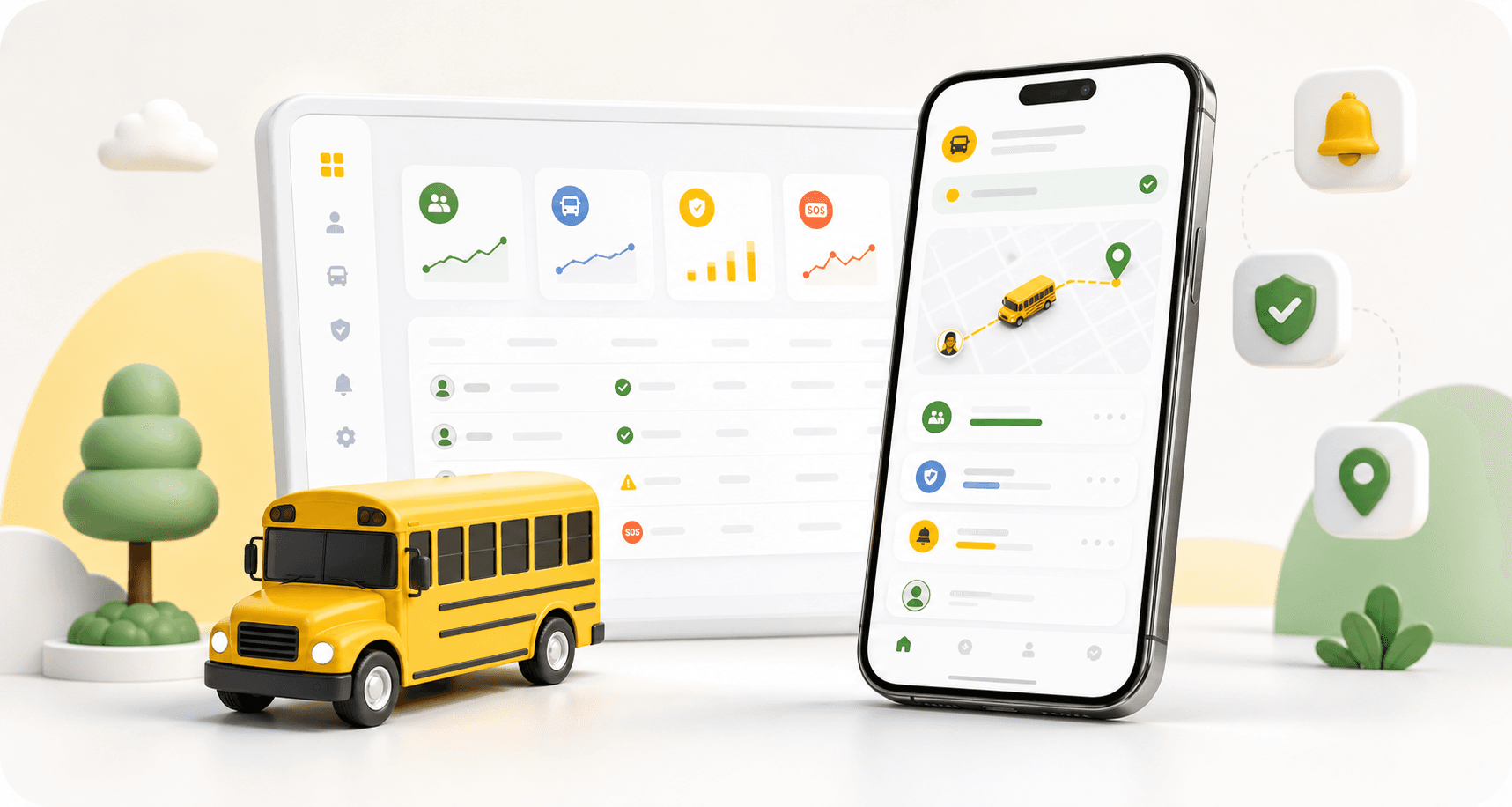
Active-trip visibility
Boarding & drop-off attendance
Driver SOS workflow
School-scoped access
Safety workflow
Built around what happens before, during, and after a school trip
This sequence reflects implemented trip, attendance, and SOS workflows. It does not promise a transport or safety outcome.
01
Plan and assign
Set routes, vehicles, students, drivers, and stops before the trip starts.
02
Track live
Watch the bus move, monitor status, and keep parents informed.
03
Confirm attendance
Record boarding and drop-off events so no child is invisible in the workflow.
04
Escalate SOS
Treat emergencies as auditable command-center events with context.
Role-based value
One safety workflow for every person responsible for the route
Each audience sees the part of the system they need, while the school keeps the full accountability picture.
Product preview
Parent Console
Morning Pickup
Live Tracking
Bus KA-05-MQ-2142
ETA: 15 mins (School Gate)
Live location active
Parent Controls
App notifications
Trust controls
Designed for school data, parent trust, and multi-tenant accountability
Safety software must feel calm and credible. Yaato makes privacy, access control, and incident history visible to evaluators.
Role-based access for school administrators, drivers, parents, and platform teams.
School-level data isolation and multi-school operations support.
Audit trails for SOS, transport activity, and critical workflows.
Clear parent communication around route status and attendance events.
FAQ
Questions school decision-makers ask first
Clear answers about current availability and onboarding readiness.
What parts of Yaato are currently available?
Yaato includes a school administration web dashboard and implemented backend workflows for routes, active-trip location updates, attendance, incidents, and driver SOS. The parent and driver Android app is currently distributed as a pilot APK.
Can parents view a school bus in Yaato?
Parents in a configured Android pilot can view their assigned bus while an active trip is publishing location updates.
Is the Yaato mobile app available in an app store?
No. The current Android build is distributed directly for controlled pilots and product evaluation.
Does Yaato guarantee student safety or location accuracy?
No. Yaato records and displays configured transport information, but outcomes and location availability depend on devices, connectivity, configuration, and school operations.
Review Yaato against your current transport workflow
Request a product walkthrough covering implemented routes, active-trip location, attendance, Android pilot workflows, and driver SOS.